Press Kit
Everything you need to write about Sencillo Daily Planner: the facts, ready-to-use descriptions, screenshots and the app icon.
Download the Press Kit (ZIP, 2.9 MB)Fact Sheet
- App
- Sencillo Daily Planner
- Developer
- LOW Works
- Platform
- macOS 26 Tahoe or later, on Macs with Apple silicon (M1 or later)
- First Release
- 24 November 2026
- Current Version
- 1.3, released 26 November 2026 (changelog)
- Price
- $9.99 one-off payment, no subscription. Black Friday price $4.99 until 6 December 2026.
- iPhone and iPad
- In development, included with the Mac purchase
- Website
- sencillo.lowworks.co.uk
- Press Contact
- hello@lowworks.co.uk
Short Description
Sencillo Daily Planner brings Apple Calendar, Apple Reminders and your notes together in one calm Mac app. Type plans the way you'd say them, see your day and week at a glance, and ask an on-device Apple Intelligence assistant for a hand.
Long Description
Sencillo Daily Planner is a daily planner for the Mac that works with the calendars and reminders you already have. Your events and tasks come straight from Apple Calendar and Apple Reminders, so every change appears on your iPhone, iPad and Apple Watch too.
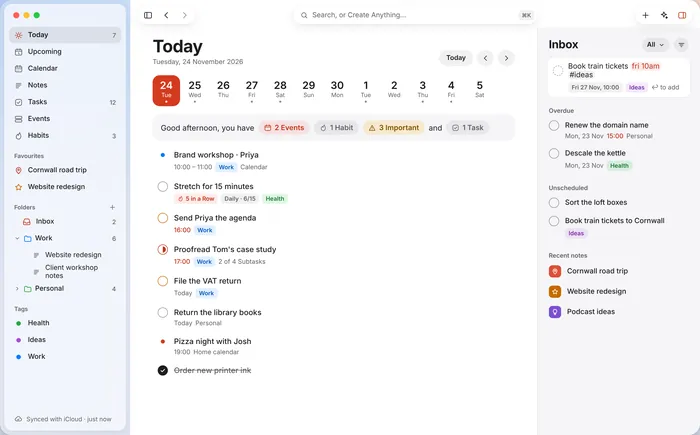
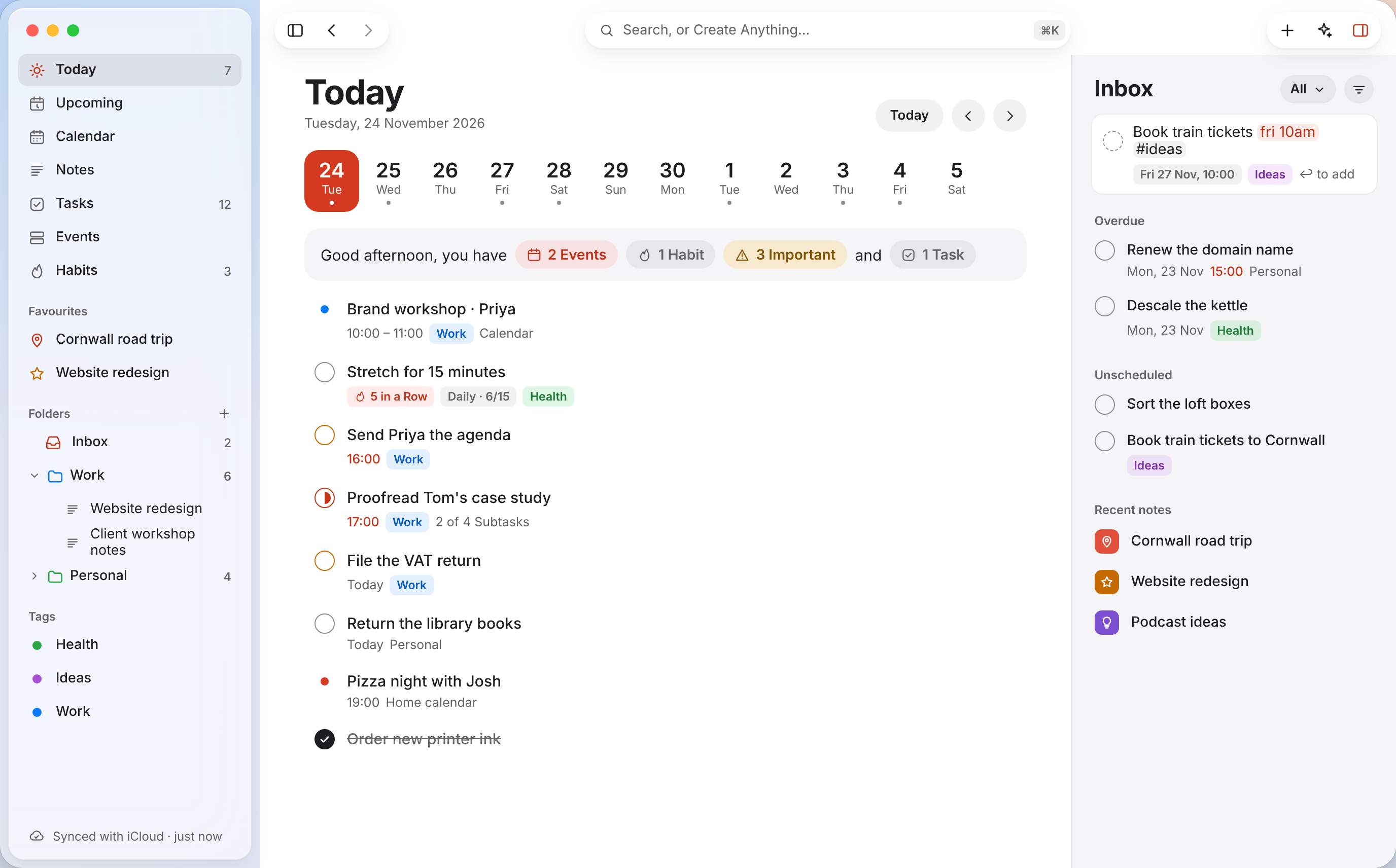
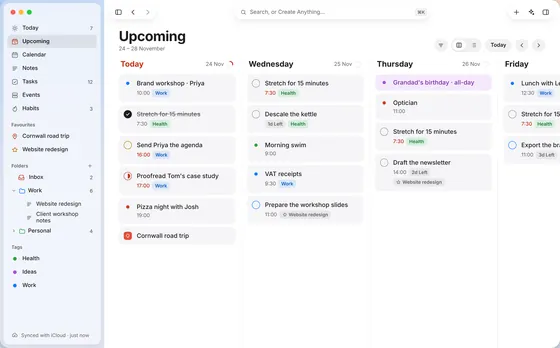
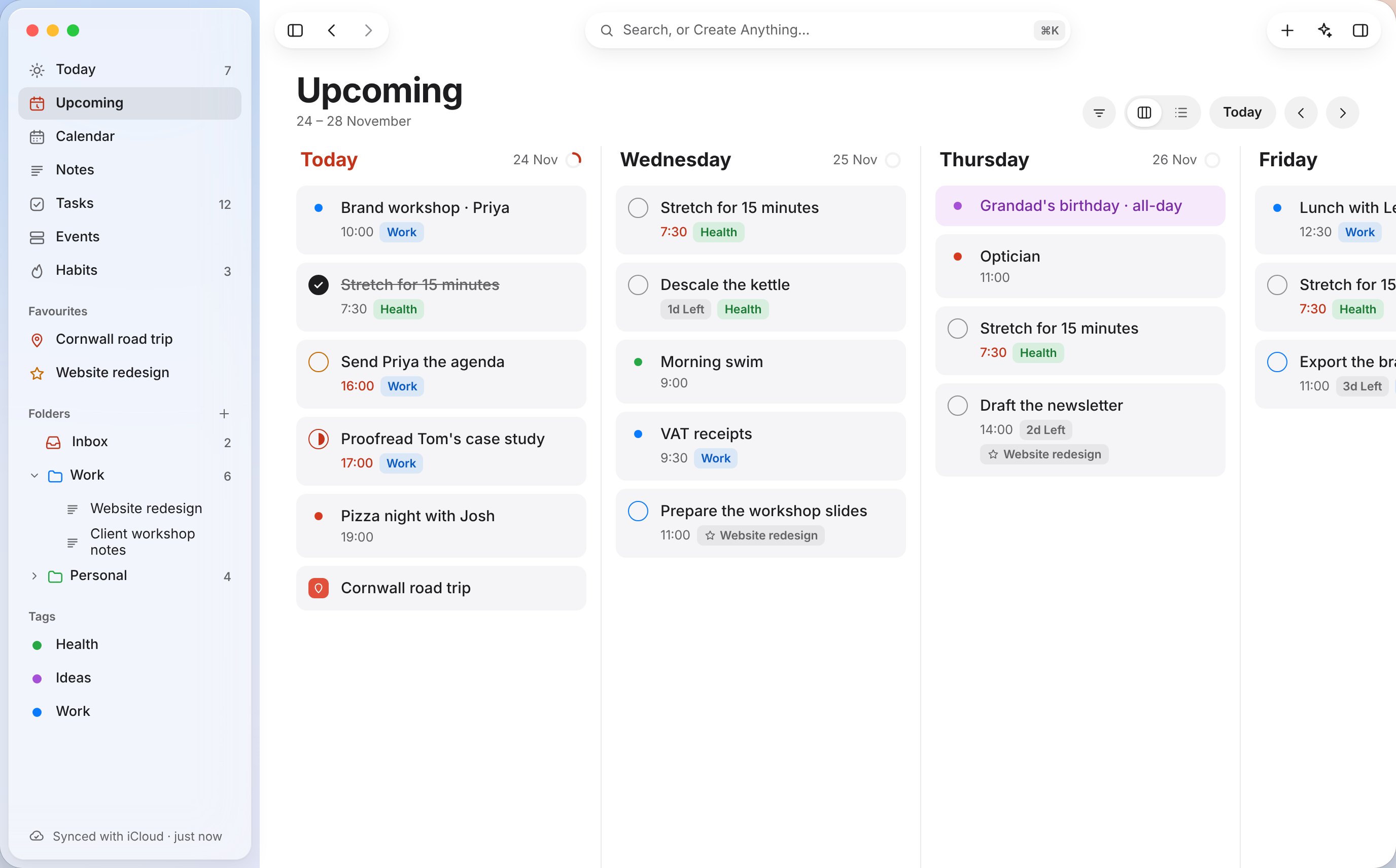
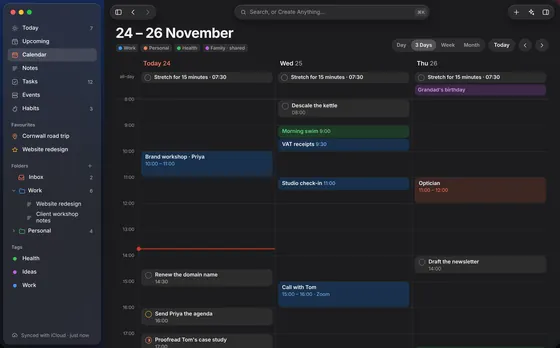
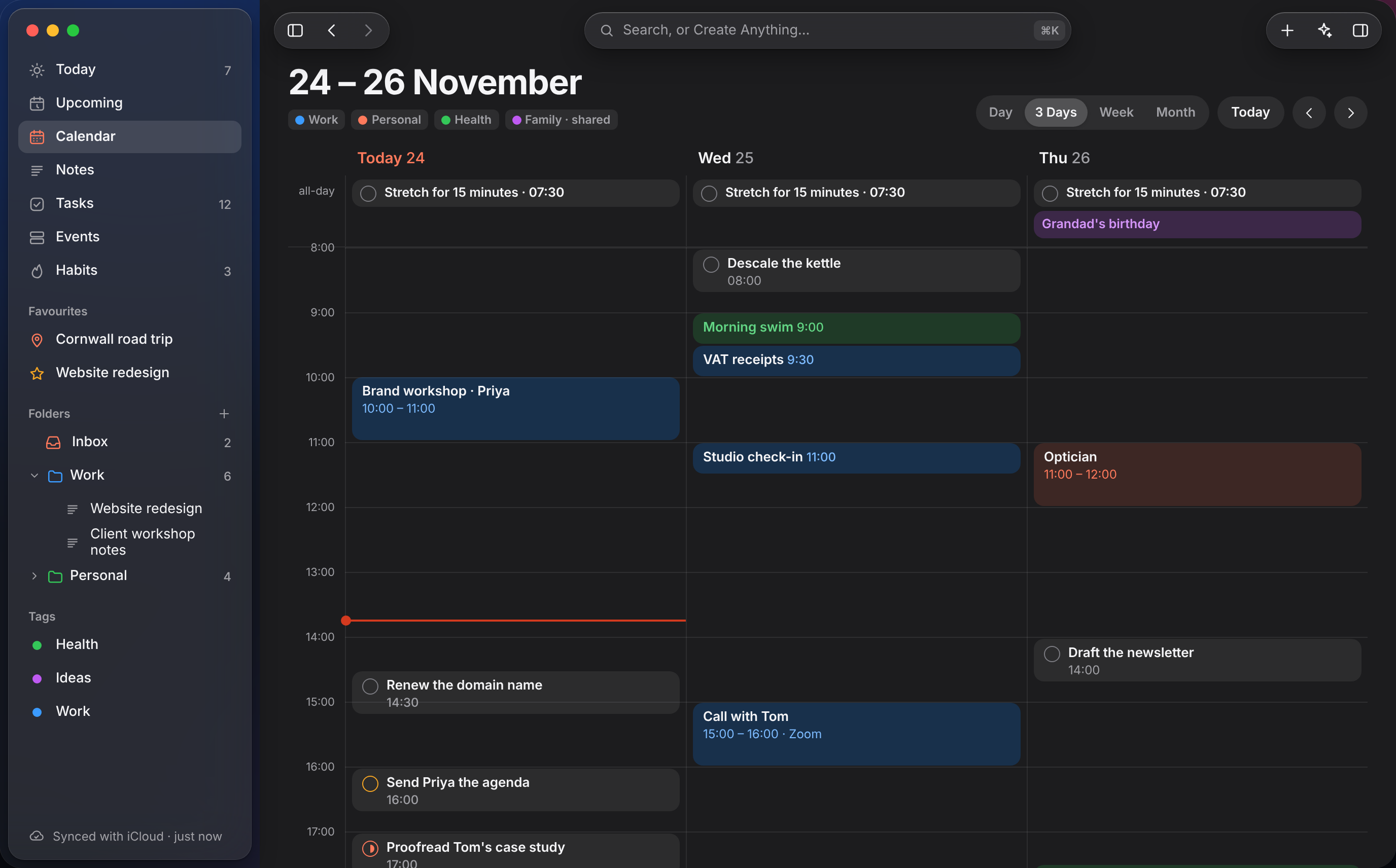
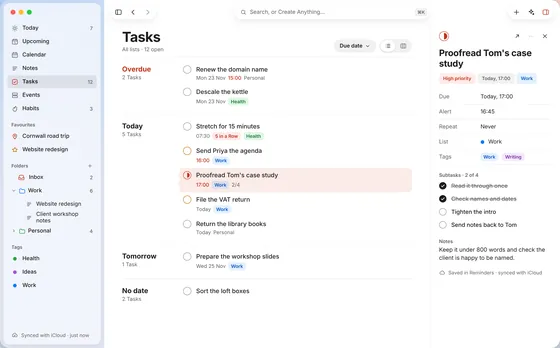
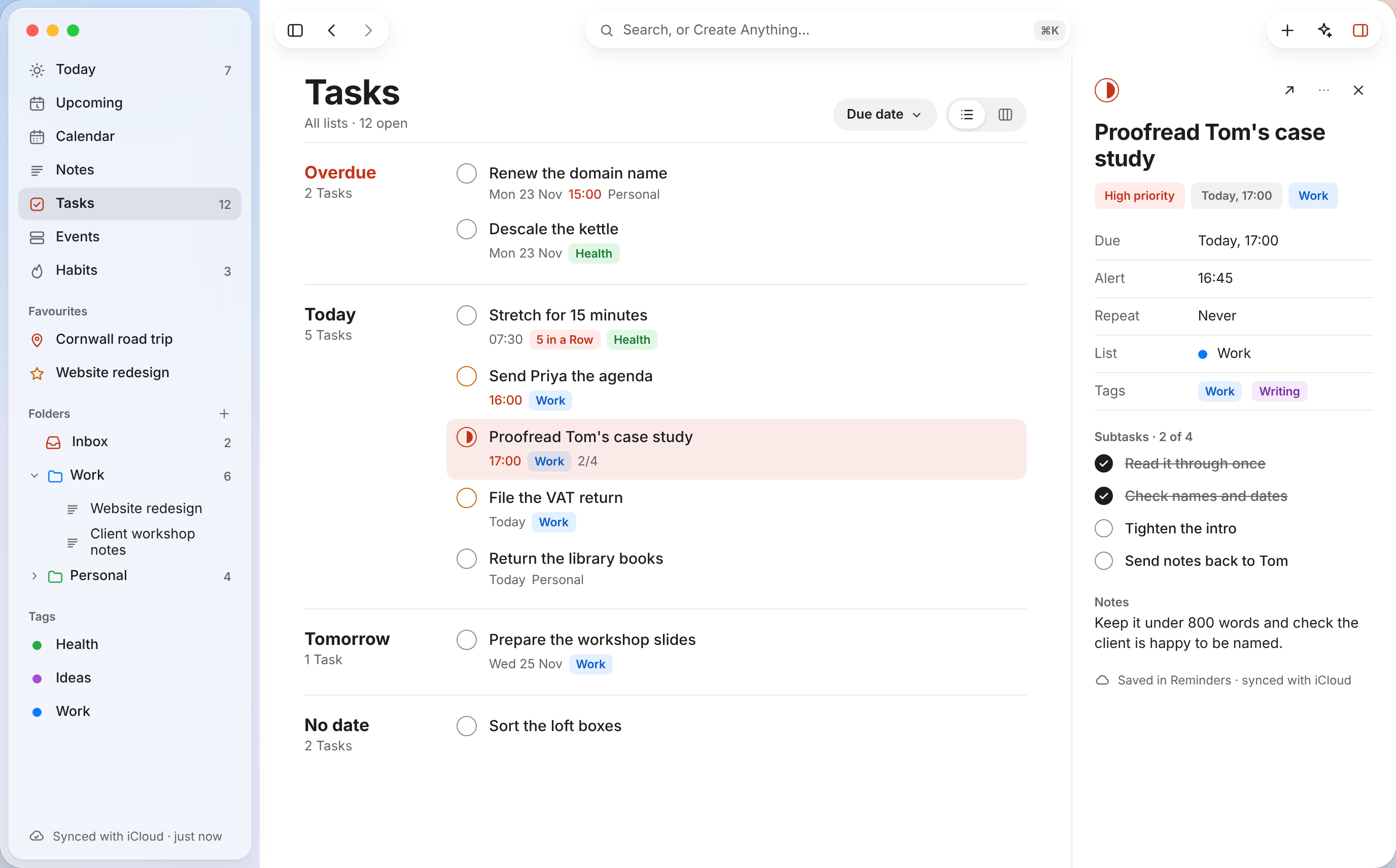
Today shows your events, tasks and habits in one list. Upcoming lays out the week as a list or a board, and the Calendar has day, three-day, week and month views. Type “Coffee with Lena fri 9:30 for 1h #work” and Sencillo turns it into an event with a time, a length and a tag.
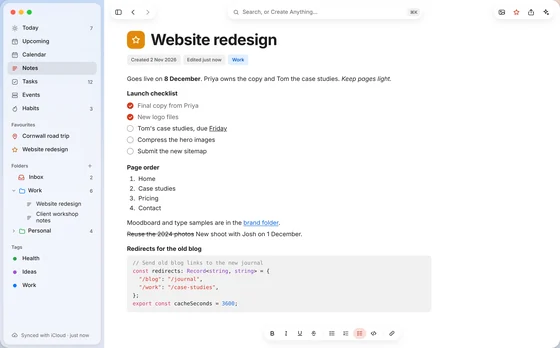
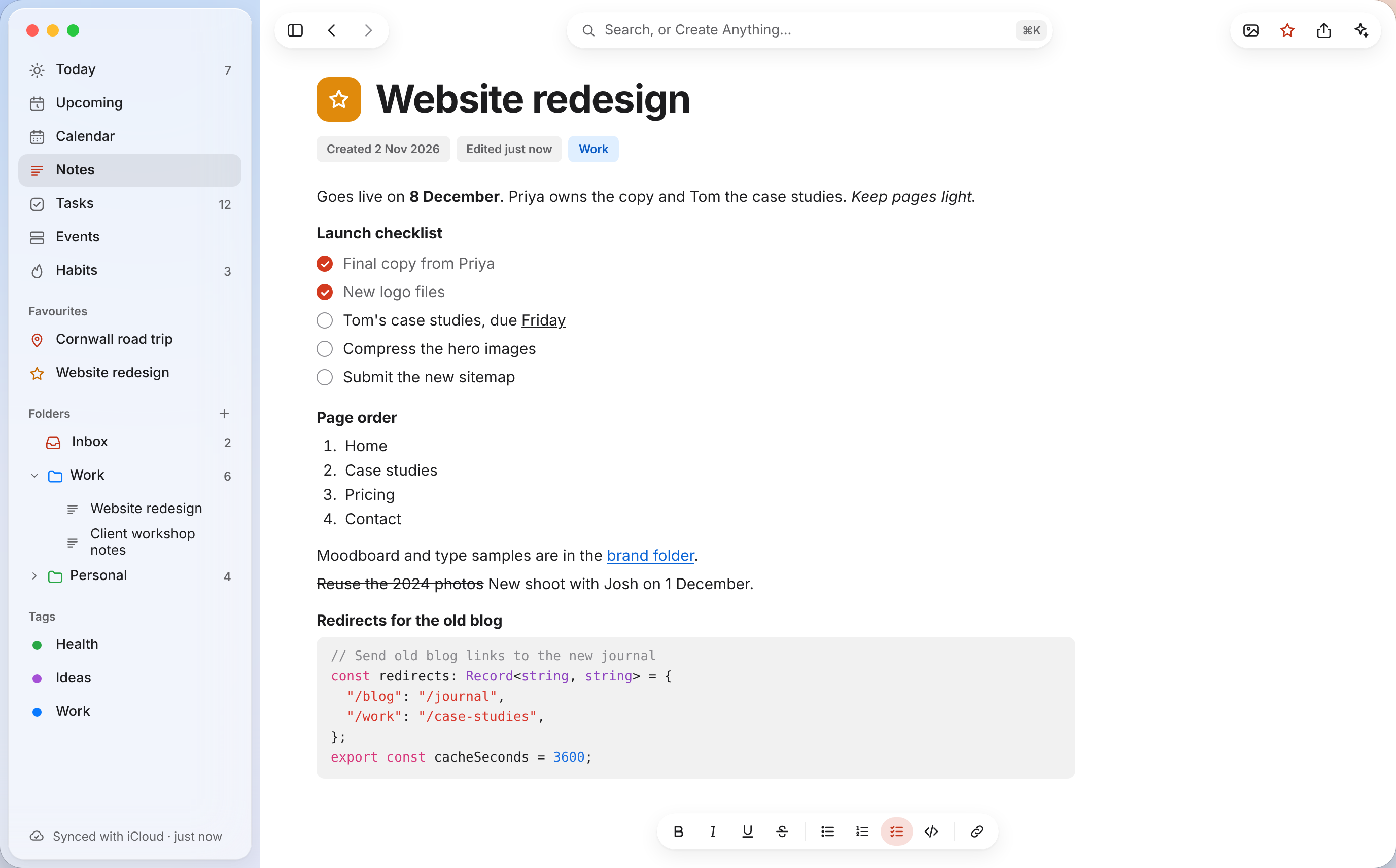
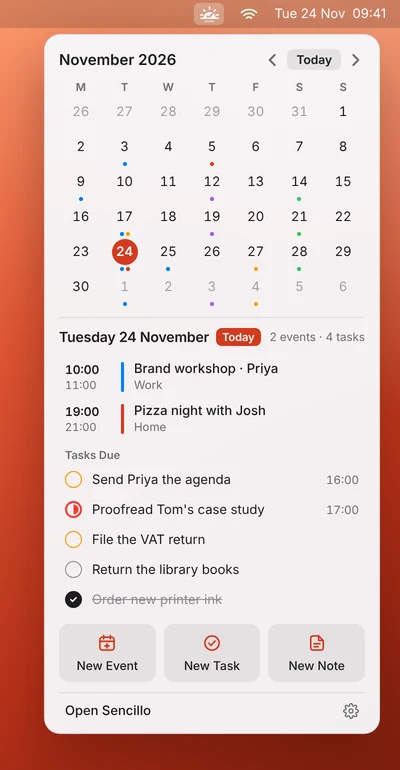
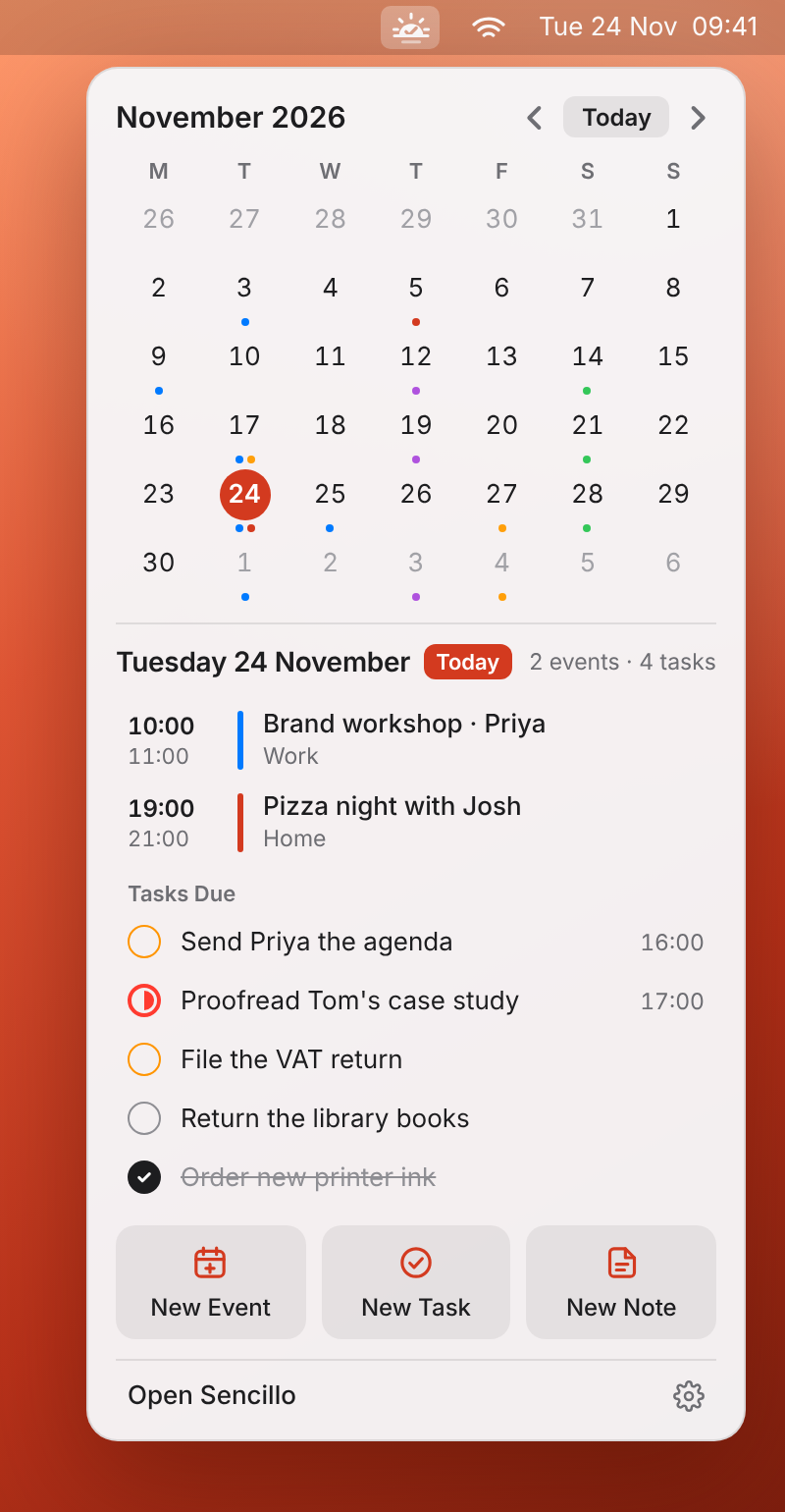
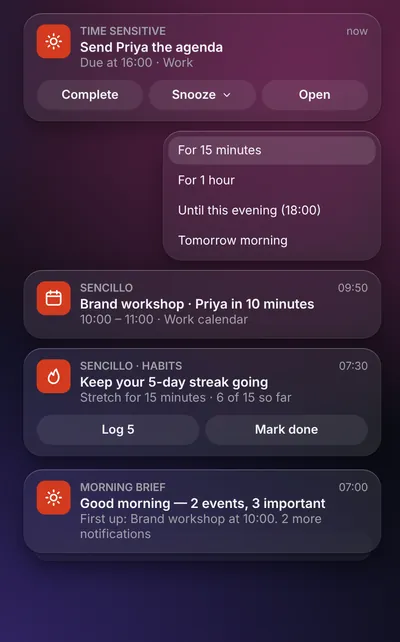
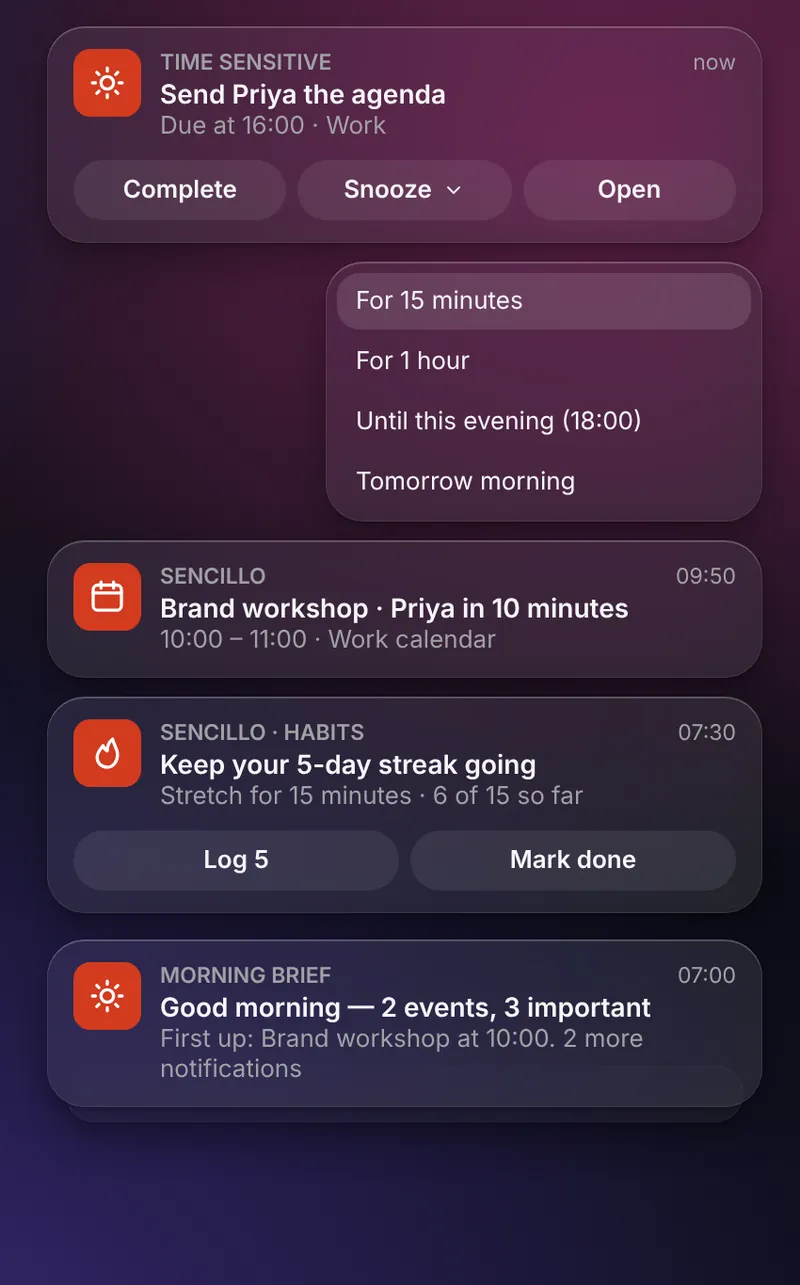
Tasks can have subtasks, priorities, tags and alerts. Notes support rich text, checklists, links and code snippets, with covers and icons, and sync through your private iCloud. Habits keep a streak going, notifications let you complete or snooze a task, and a menu bar panel shows the month and the day's plans. You can print tasks, notes and lists, or any month on a single page.
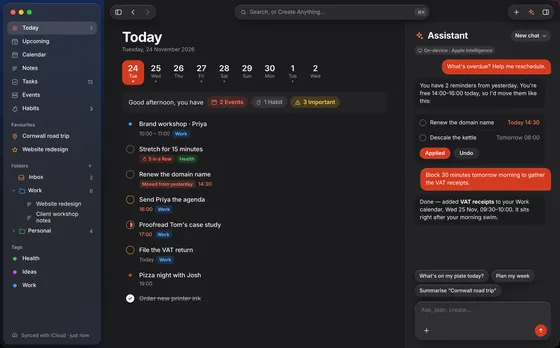
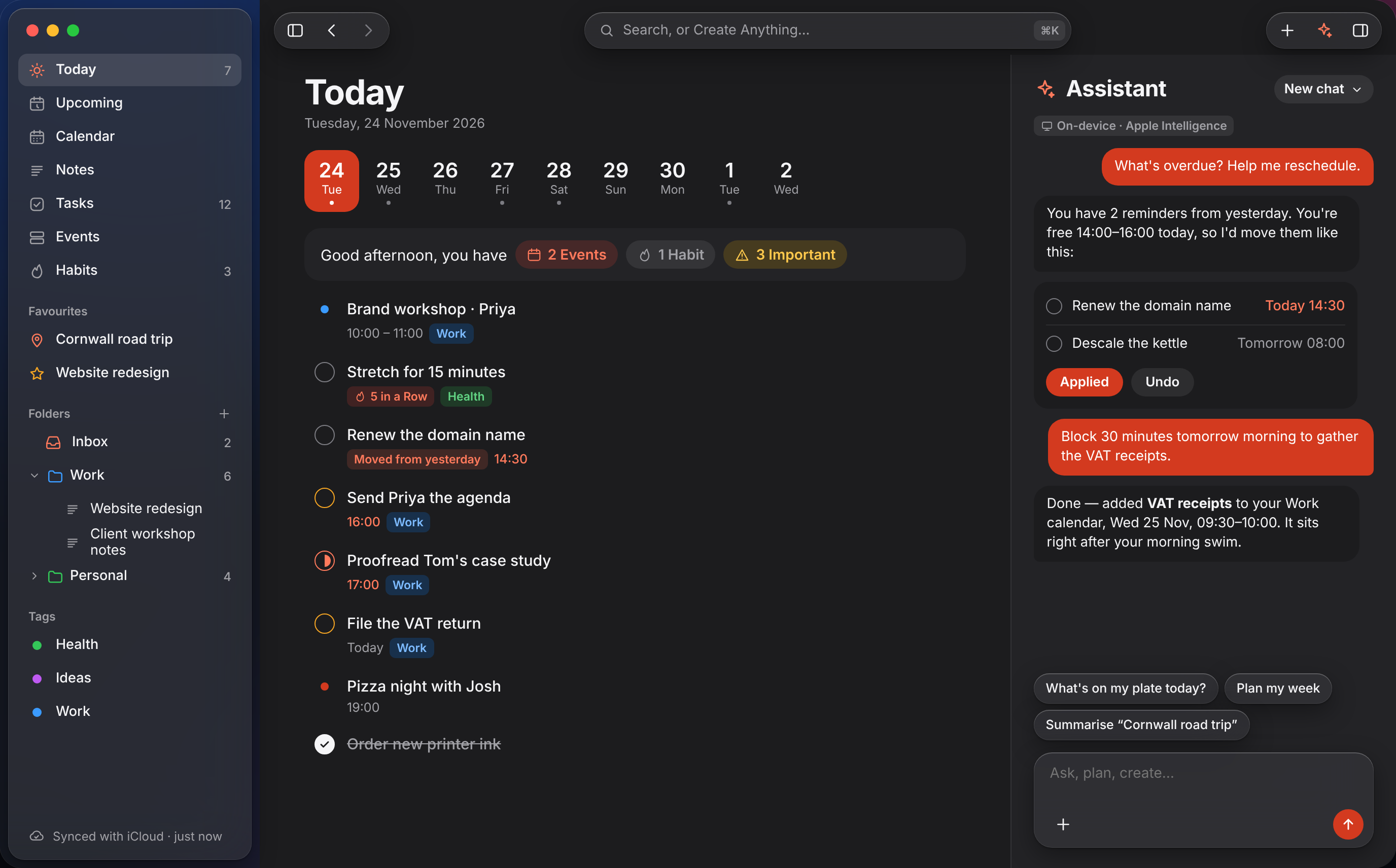
On Macs with Apple Intelligence, an optional Assistant runs on the device to answer questions, plan the week and move overdue tasks, and checks with you before changing anything.
Sencillo has no accounts, no tracking and no servers of its own. It's a one-off purchase with free updates, and the iPhone and iPad apps are included when they launch.
Key Features
- Works with Apple Calendar and Apple Reminders, including iCloud, Google and Exchange accounts
- Today, Upcoming (list and board), Calendar (day, three-day, week and month), Tasks and Notes
- Natural language entry with ⌘K quick create
- Subtasks, priorities, tags and alerts
- Rich text notes with checklists, links and code snippets, synced through iCloud
- Habits and streaks
- Actionable notifications, a morning brief and a Dock badge
- A menu bar panel with the month, the day's events and tasks, and quick add buttons
- Printing for tasks, events, notes, lists and a one-page month
- Optional on-device Apple Intelligence assistant
- Automatic updates
- Private by design: no accounts, no tracking, no third-party servers
Screenshots
Full-size PNGs, 2752 × 1712 pixels for window screenshots.
App Icon
Using These Images
You're welcome to use anything on this page when writing about Sencillo. Screenshots can be resized or cropped. Please don't change the app icon's shape or colours, or add effects to it.
Contact
For questions, interviews or more images, email hello@lowworks.co.uk.